Platform

One system, from first draft to live.

Everything runs on the same pages and the same draft-to-live path. Here is how each part works, and how they fit.

Content

Define what your site is made of, once.

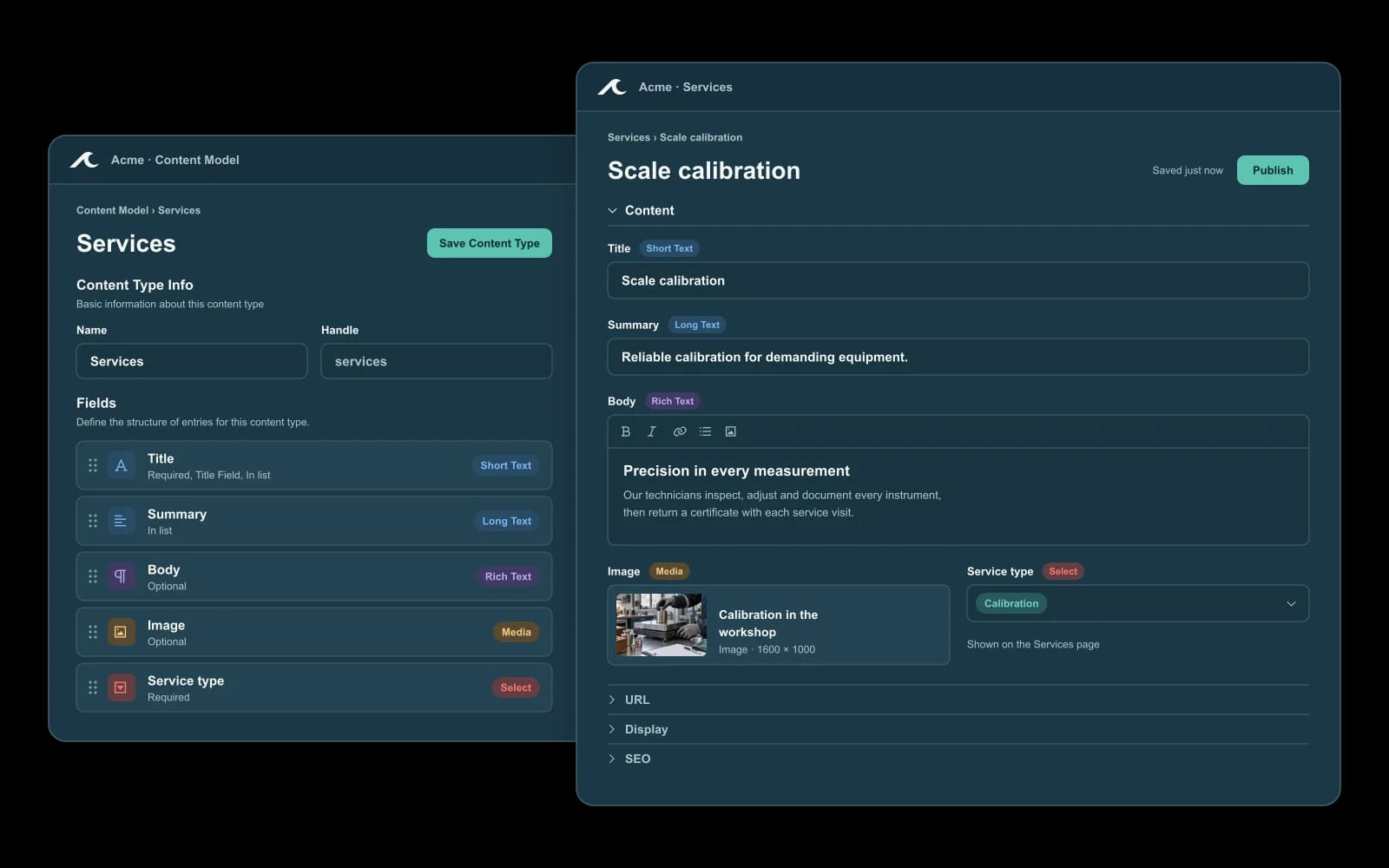
A story, service, event or program each has its own shape. Define the fields it needs, and every entry gets its own page, URL and layout. The same content can appear anywhere on the site.

  • Typed fields: text, rich text, selections, media and references to other entries
  • Saved queries let templates place content wherever it belongs
  • Entries have drafts and publication states, like pages
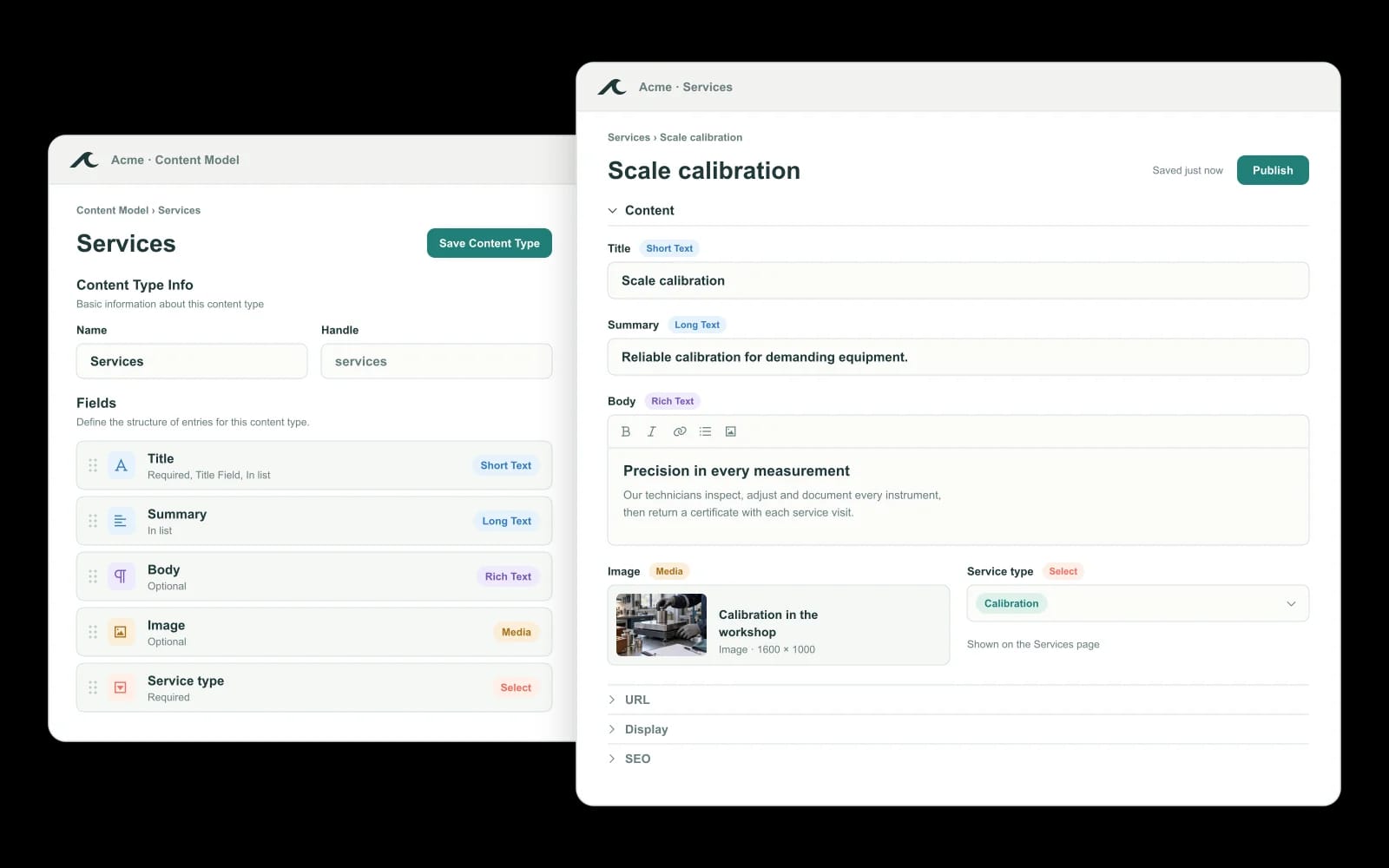
Illustrative Waves content model beside a content entry Illustrative Waves content model beside a content entry

Site design

Pages built exactly as you want them.

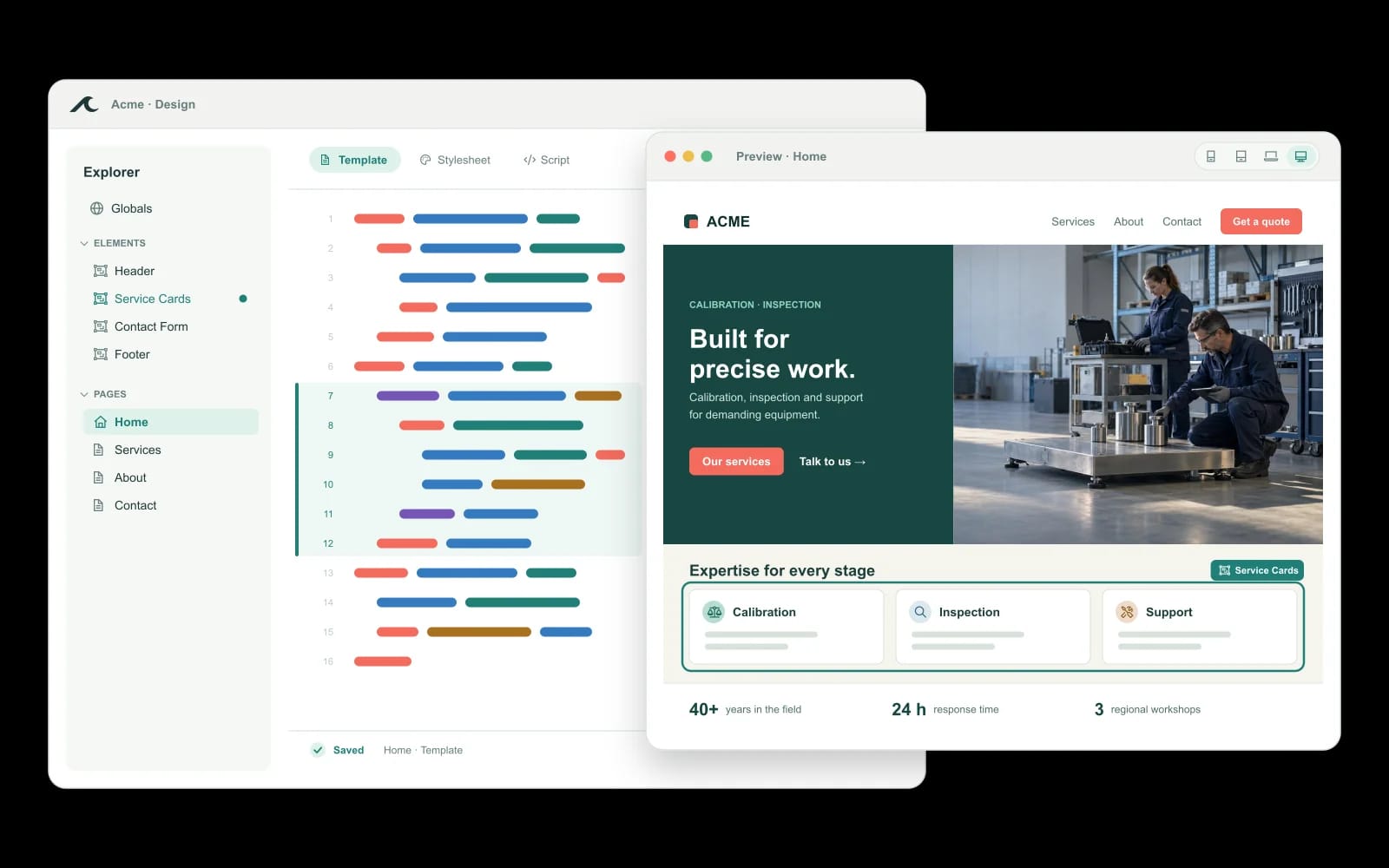
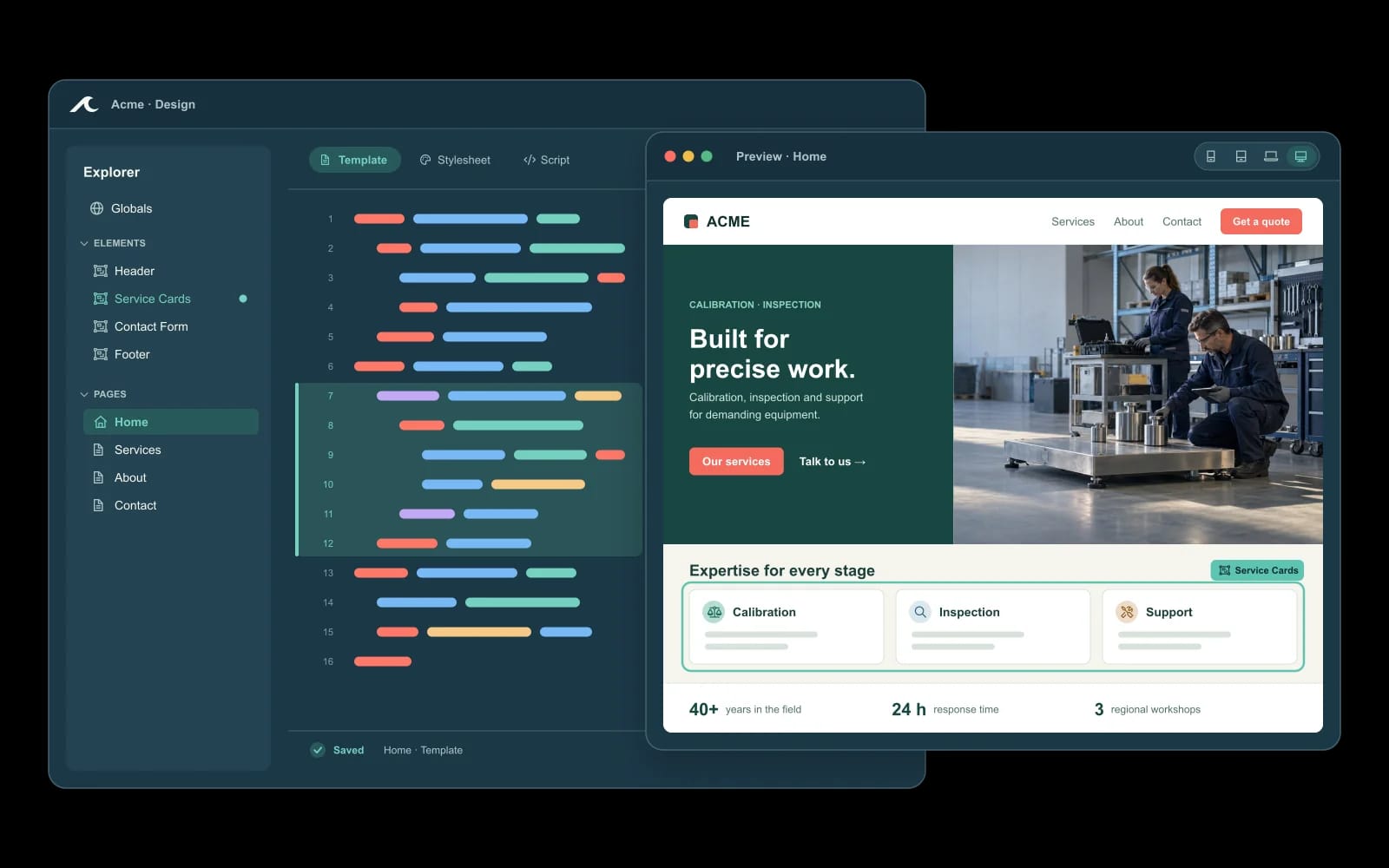
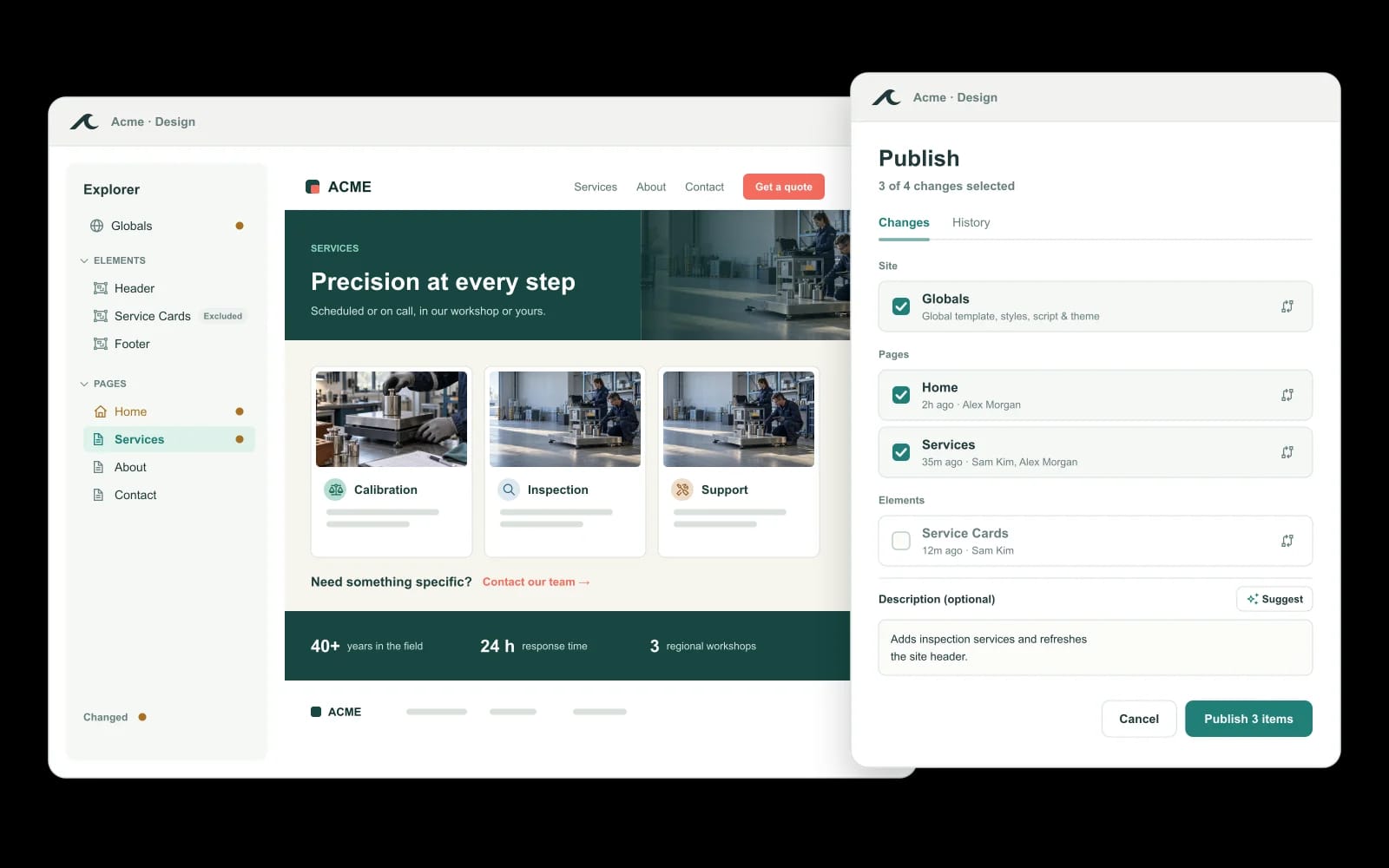
Not a block editor. Pages and reusable elements are authored in HTML, Liquid, CSS and JavaScript, so a designer can build anything. Site-wide design and theme live in Site Globals. Your team edits the result without having to touch code.

  • Define reusable elements once, then adjust them per page
  • Inspect and edit the real code behind any page
  • Site Globals keep theme and design consistent
Illustrative Waves design editor beside a page preview Illustrative Waves design editor beside a page preview

Nami

An assistant that works on what is actually there.

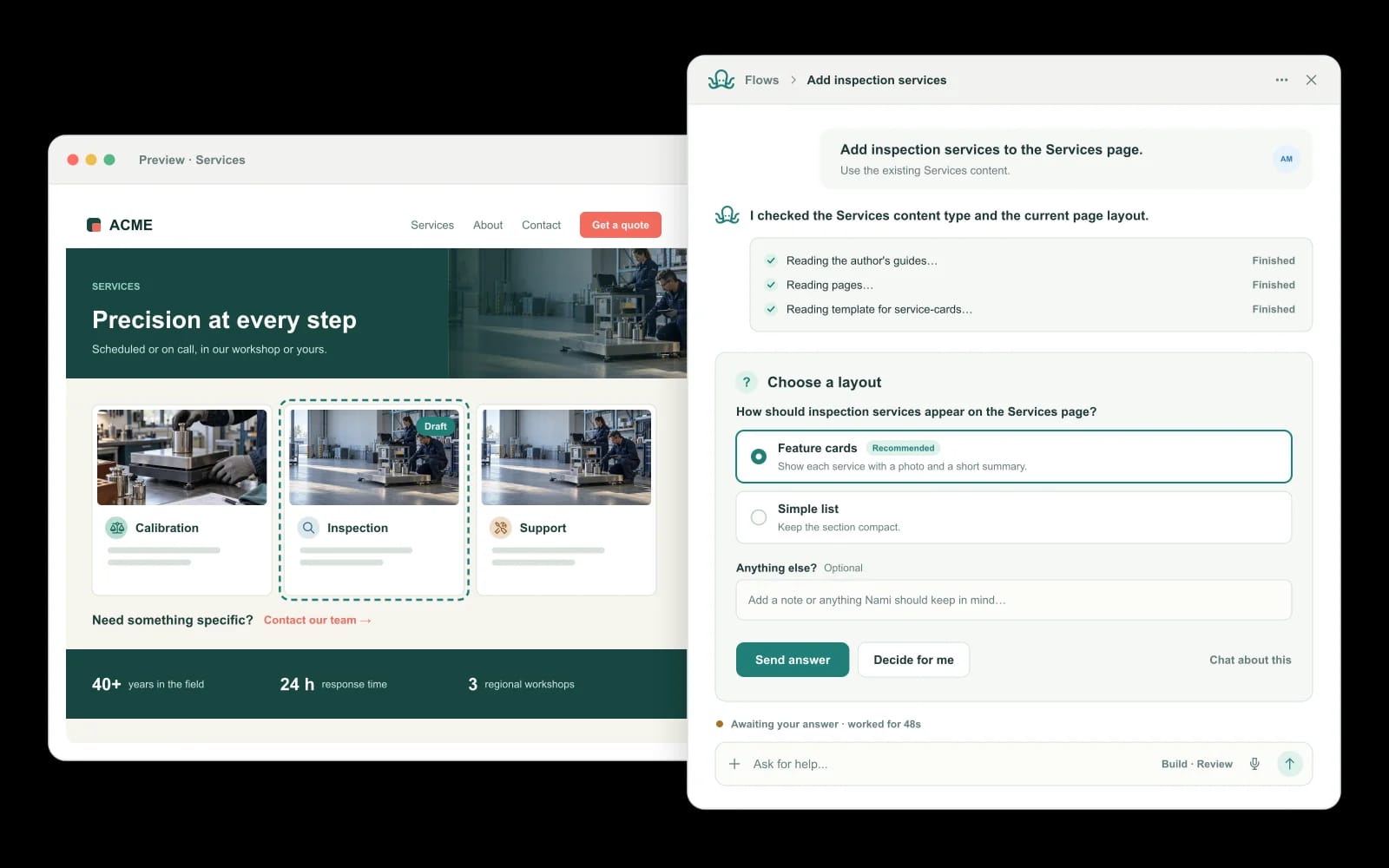
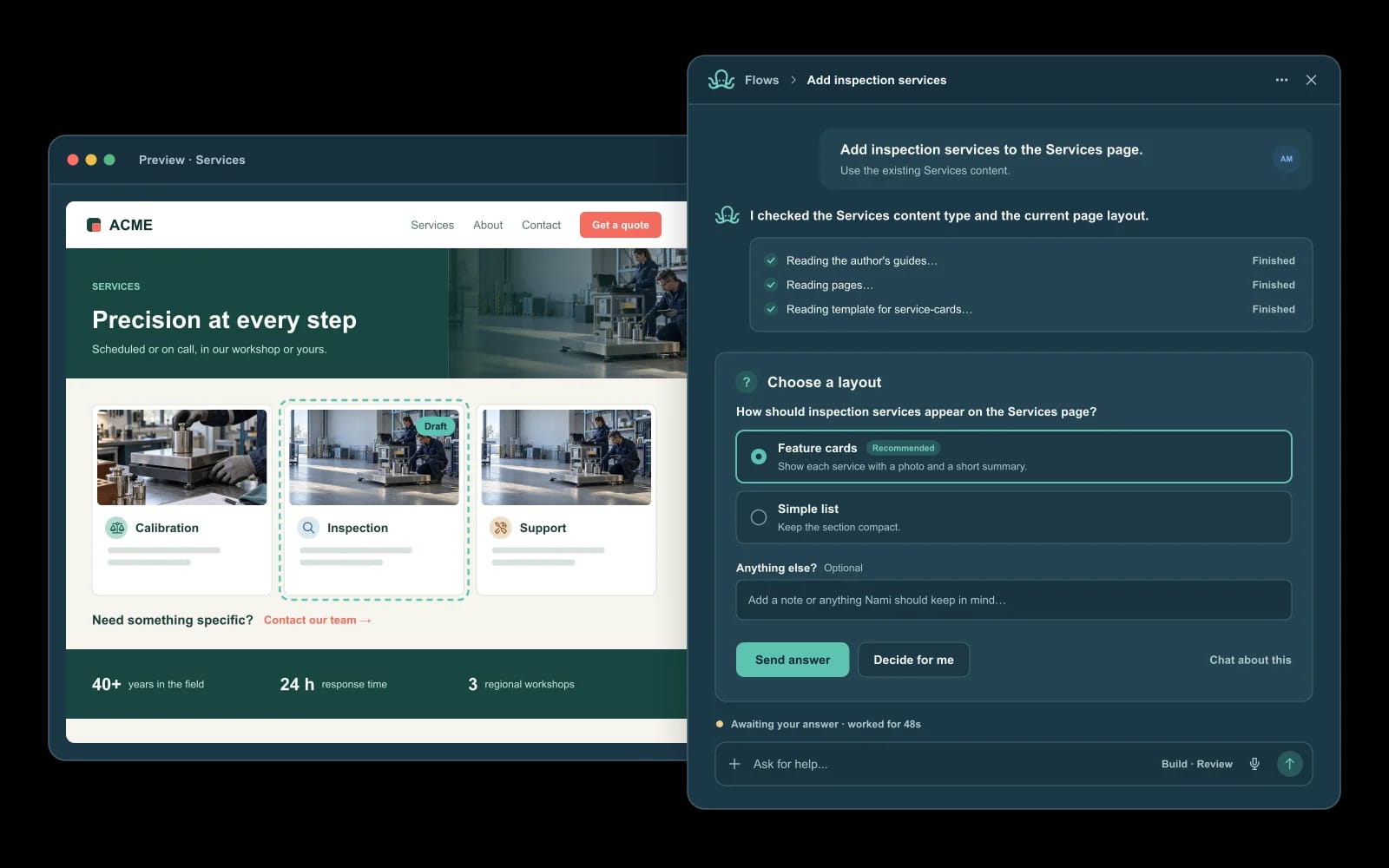
Nami works inside the Studio on the same pages, elements, content types, entries, queries, forms, media and theme your team edits. Site and organization guides shape its work. It acts within the requester’s permissions, and consequential writes need approval.

  • Works on real pages and content, not mockups
  • Everything it changes can be reviewed before it is published
  • Use it a lot or not at all
Illustrative Nami flow asking a question beside a page preview Illustrative Nami flow asking a question beside a page preview

People and access

Let the team in without handing over the keys.

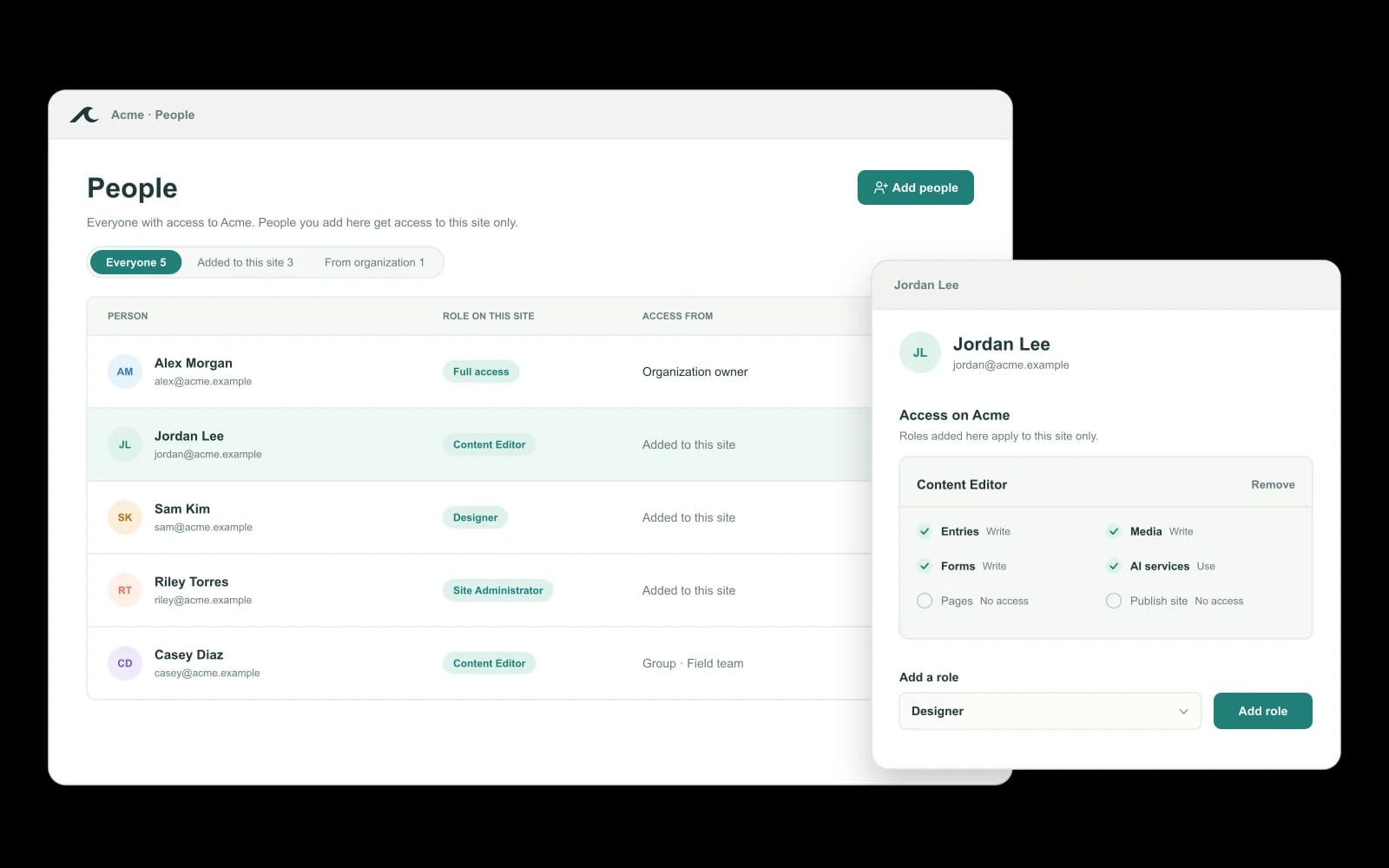
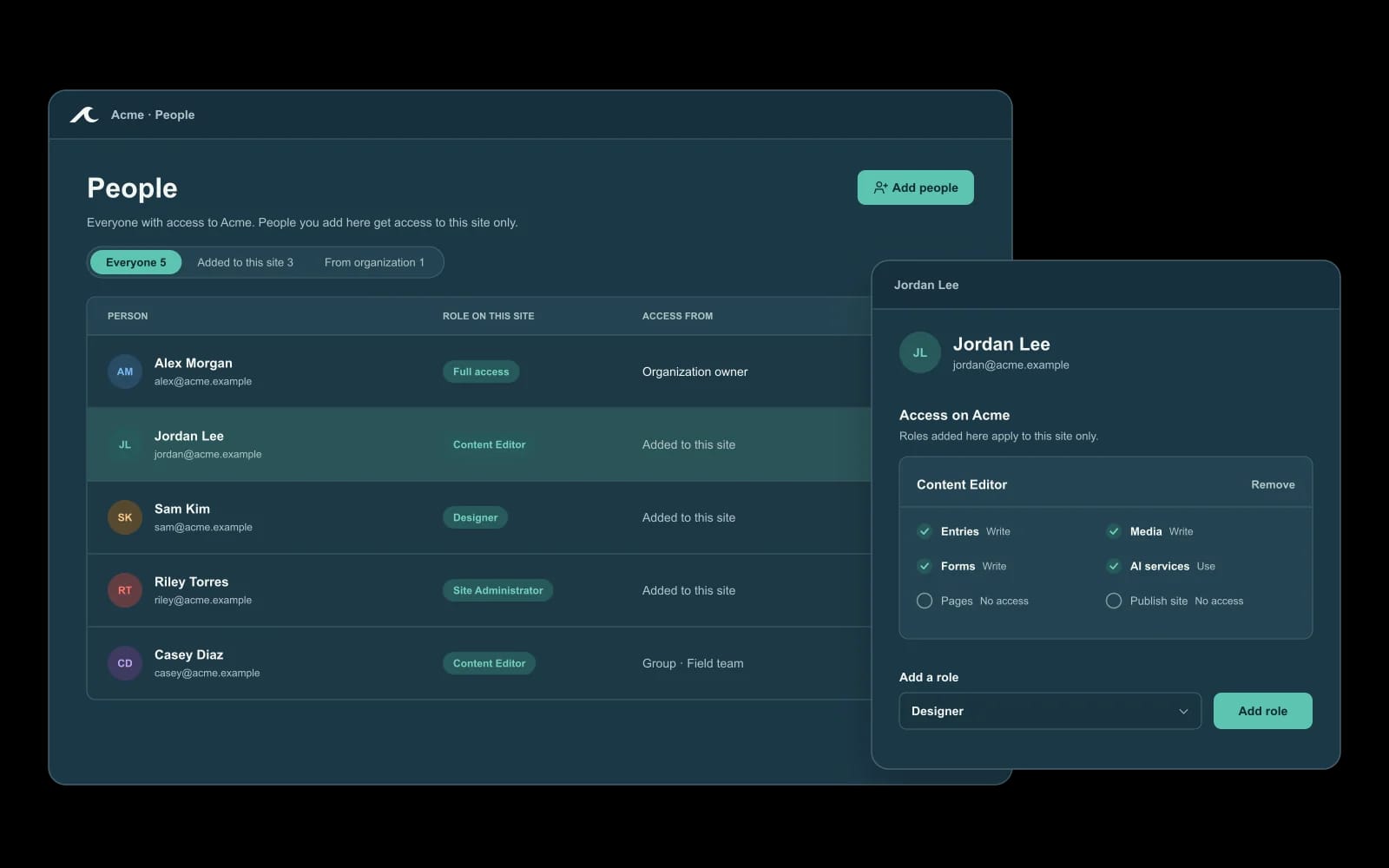
Organizations use roles and groups. Read, write, publish and administrative access are distinct capabilities, enforced by the server. Access to an editor does not automatically grant the right to publish.

  • Assign access at organization or site level
  • Run several sites from one organization
  • Separate who edits from who publishes
Illustrative Waves people and access management Illustrative Waves people and access management

Publishing

Draft, review, then live.

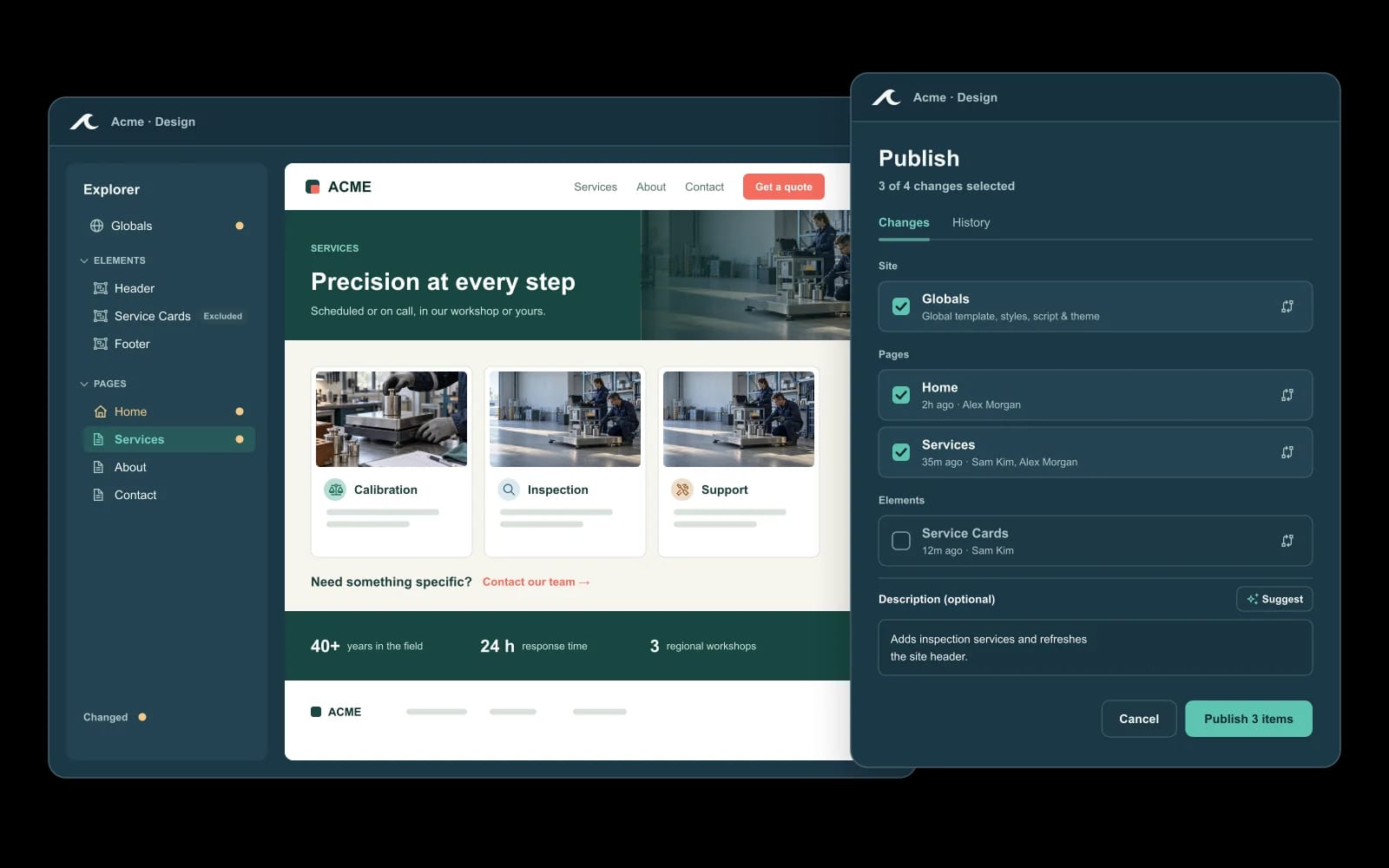
Edits stay separate from the published site. Pages, elements, entries, forms and rich text have draft and published states. Teams can stage and publish changes, see publish events, and revert individual items.

  • Visitors only see what has been published
  • Publish events are recorded
  • Individual items can be reverted
Illustrative Waves publish review with selected changes Illustrative Waves publish review with selected changes

Hosting and delivery

Hosting you never think about.

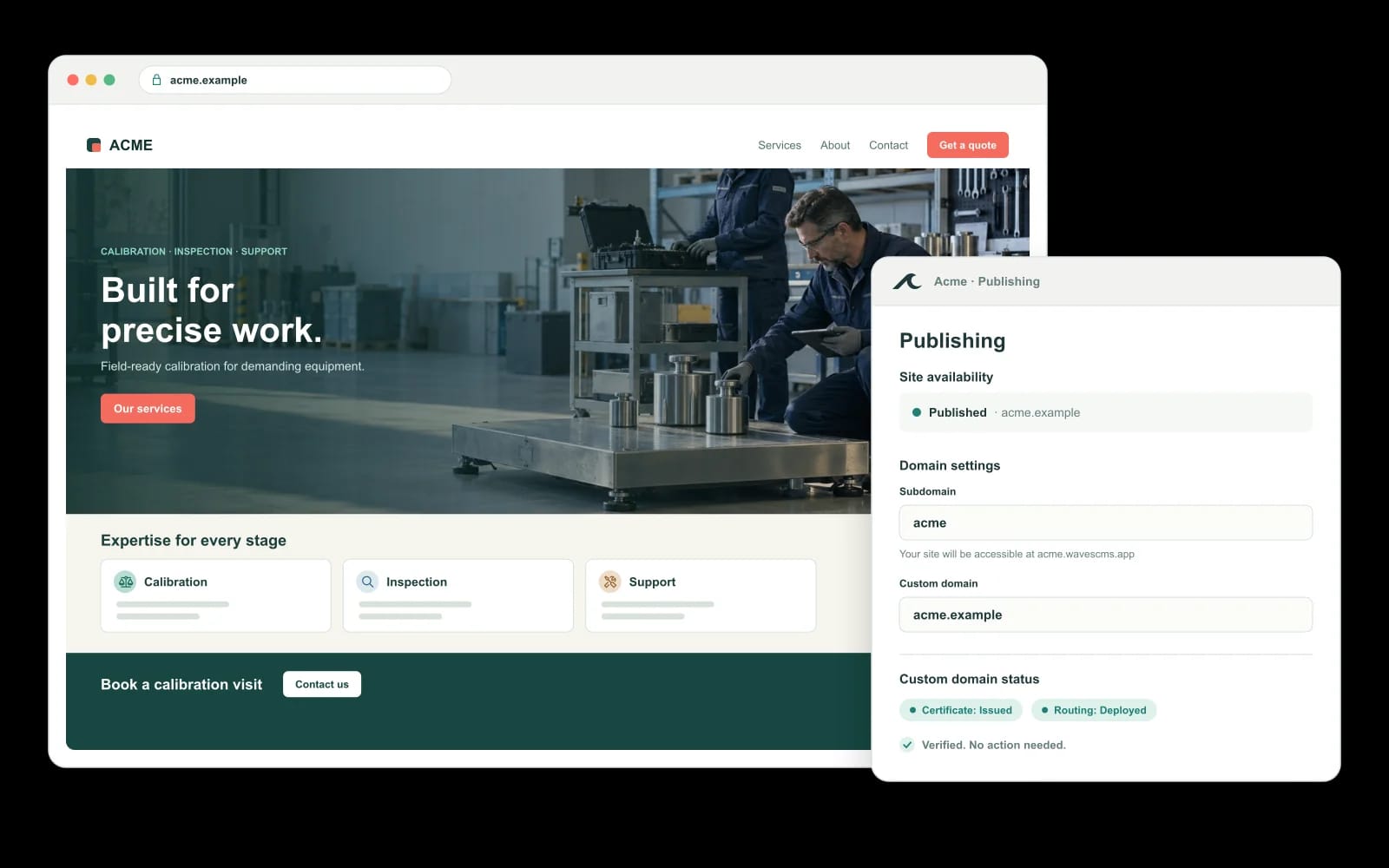
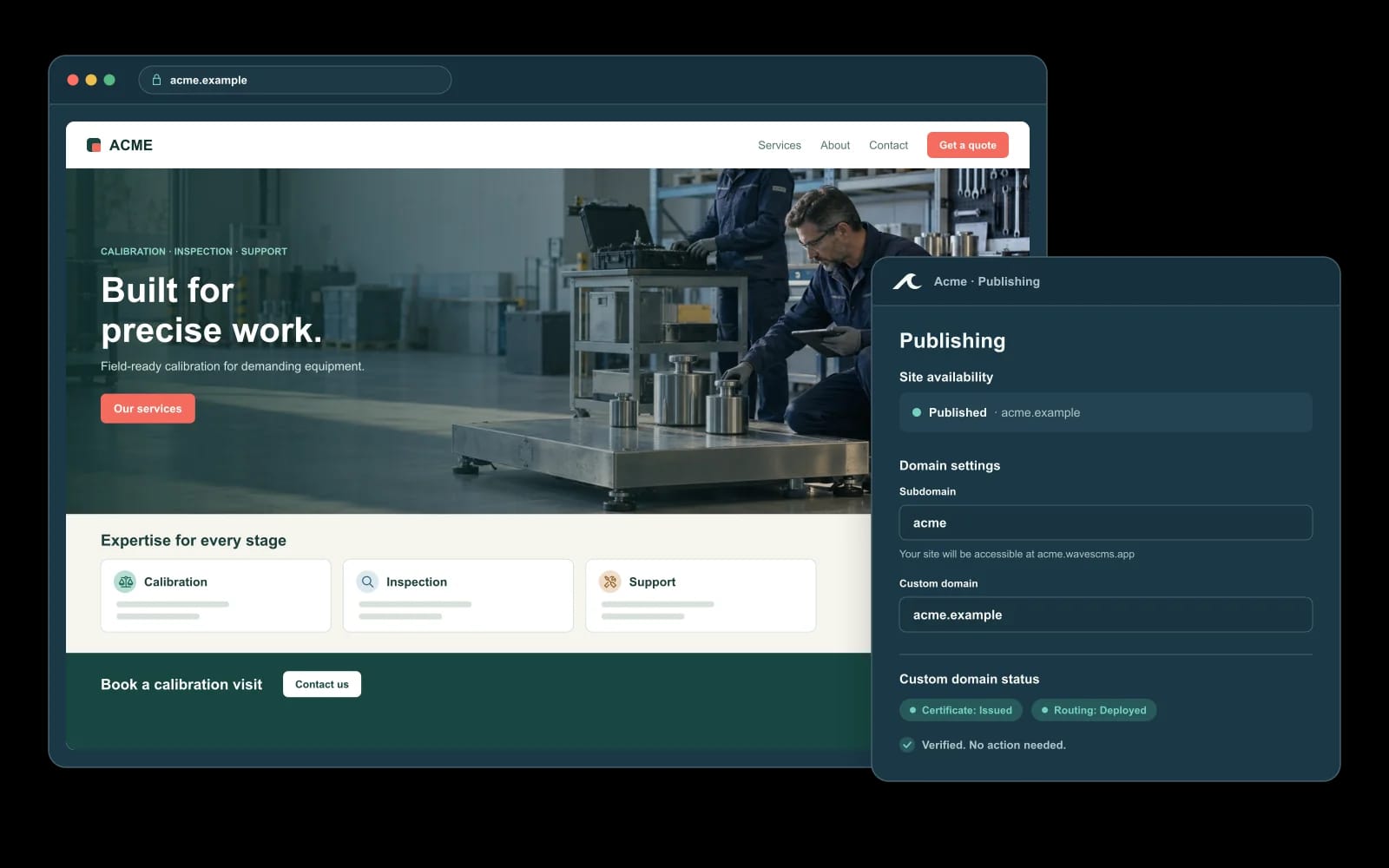
Waves renders and hosts your site. It supports custom domains, SEO metadata, sitemaps, media delivery and forms, and has a management API for the work around it.

  • Custom domains and sitemaps included
  • SEO metadata managed per page
  • Forms and media delivery built in
Illustrative published site with Waves custom domain settings Illustrative published site with Waves custom domain settings

For evaluators

Want the code, API and architecture detail?

A technical page is planned for developers and evaluators: Liquid, the management API, tenancy and operations. Ask for it in your walkthrough in the meantime.

Bring a website job. We'll walk it through waves.